
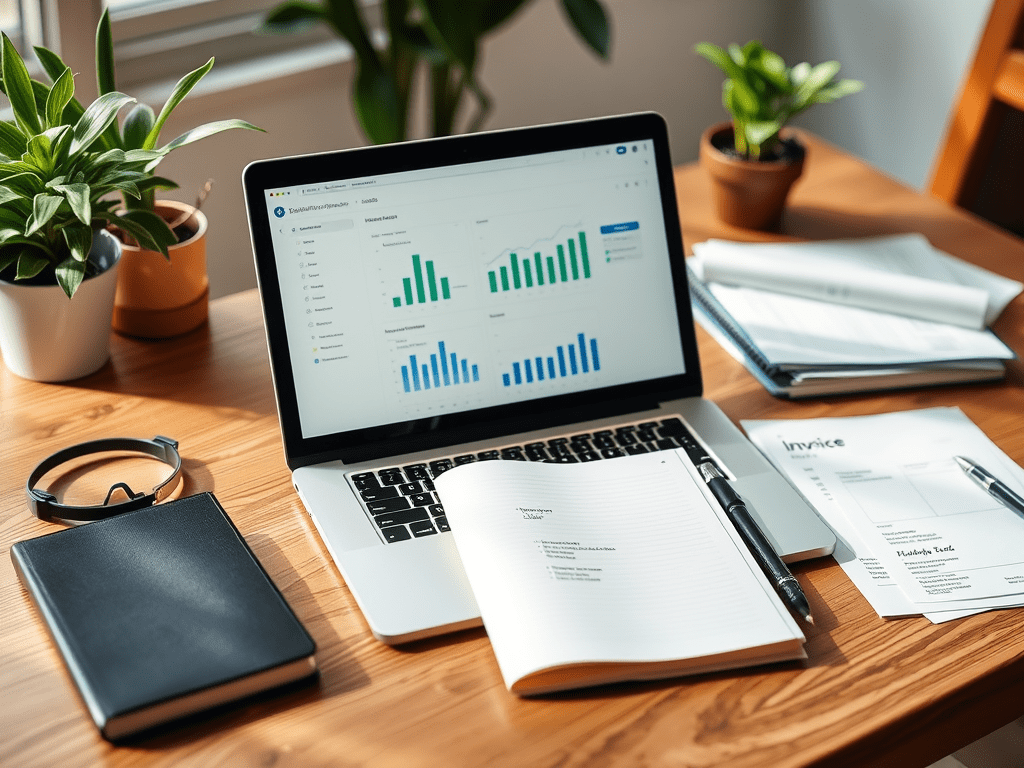
As someone who’s been freelancing for a while now, I’ll be the first to admit—managing money as a freelancer is not easy.
When I first started, I was all over the place: invoices scattered everywhere, expenses written on random sticky notes, and a constant low-key anxiety whenever tax season rolled around.
But then I discovered a handful of freelance finance tools that changed the game for me. If you’re like me—someone who wants to earn more, save better, and stress less—this post is for you.
Here’s my honest review of the tools I use (and recommend) to keep my freelance finances on point.
- Why Freelancers Need Finance Tools
- 1. QuickBooks Self-Employed
- 2. Rocketbook Smart Reusable Notebook
- 3. Anker USB-C Hub with SD Card Reader
- 4. Excel or Google Sheets Templates for Freelancers
- 5. Dymo LabelWriter 4XL Printer
- Bonus: Freelance Finance Books I Recommend
- Final Thoughts: Why This Matters
Why Freelancers Need Finance Tools
When you work a 9–5, someone handles your payroll, your taxes, and maybe even your health benefits. As a freelancer? It’s all on you.
Without tools, it’s too easy to:
- Forget to send invoices
- Mix up personal and business expenses
- Miss potential tax deductions
- Lose track of income from multiple clients
With the right finance tools for freelancers, you can:
✅ Automate your income tracking
✅ Plan for taxes the smart way
✅ Keep your financial life organized
Let’s dive into the best tools I’ve personally tried and tested.
1. QuickBooks Self-Employed
Best for: Tracking income, expenses, and taxes
If I could recommend just one app to get your freelance finances under control, it’s QuickBooks Self-Employed.
Why I love it:
- Automatic expense tracking (syncs with your bank)
- Easy to categorize transactions as personal or business
- Quarterly tax estimates—a life-saver for avoiding surprises
- Built-in invoice generator
📌 Where to get it:
👉 Check out QuickBooks Self-Employed on Amazon
2. Rocketbook Smart Reusable Notebook
Best for: Brainstorming finances the non-digital way
Even though I’m all about apps, sometimes I need to sketch out my financial goals by hand. That’s where the Rocketbook comes in—it’s a reusable notebook that connects to cloud services like Google Drive or Dropbox.
- Jot down income goals
- Map out budgets
- Plan future savings
Then scan it with your phone and it’s digitally saved.
📌 Where to get it:
👉 Grab your Rocketbook here
3. Anker USB-C Hub with SD Card Reader
Best for: Freelancers handling lots of receipts & invoices
If you’re like me, you keep receipts and documents on SD cards or external drives. Having a reliable USB-C hub makes organizing receipts for taxes much easier, especially if you’re using a laptop with limited ports.
📌 Where to get it:
👉 See the Anker Hub on Amazon
4. Excel or Google Sheets Templates for Freelancers
Best for: Custom finance tracking
Honestly, sometimes you don’t need fancy apps—you just need a solid spreadsheet.
Here’s what I use mine for:
- Monthly income & expenses
- Tracking client payments
- Planning savings and taxes
📌 Recommended Book:
👉 “Excel for Freelancers” Guide on Amazon
5. Dymo LabelWriter 4XL Printer
Best for: Sending out physical invoices or packages
If your freelance work involves sending physical products (graphic designers, crafters, Etsy sellers, etc.), labeling packages is easier with a label printer like the Dymo 4XL.
Saves me time, and yes—it looks professional.
📌 Where to get it:
👉 Check the Dymo LabelWriter 4XL on Amazon
Bonus: Freelance Finance Books I Recommend
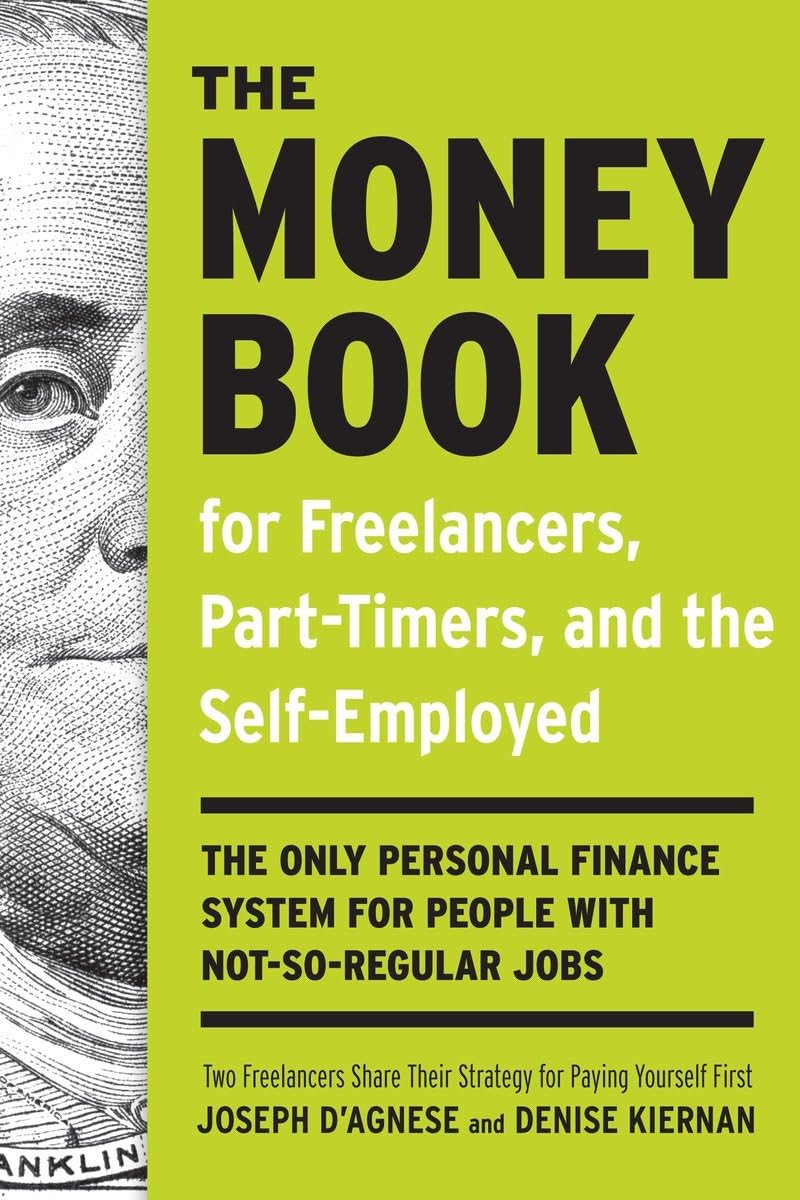
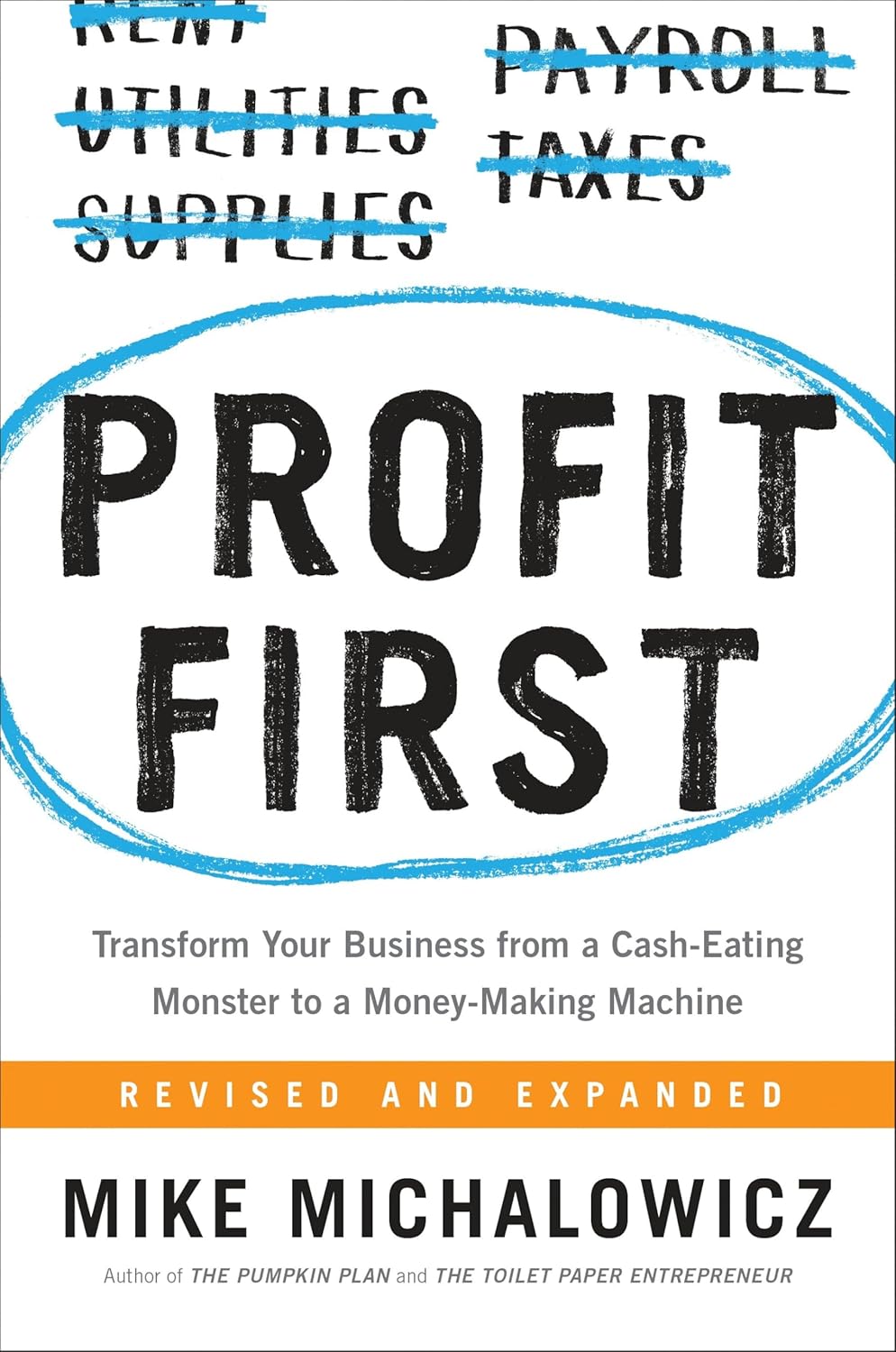
If you want to go deeper into personal finance for freelancers, here are 2 books that helped me:
1️⃣ “The Essential Finance Guide for Freelancers, Side Hustlers, and the Self-Employed“
👉 View it here on Amazon
2️⃣ “Profit First” by Mike Michalowicz“
👉 See the book on Amazon
Final Thoughts: Why This Matters
Look, freelancing should give you freedom, not financial headaches. These freelance finance tools helped me go from “where did my money go?” to ‘Now, I’m the one calling the shots with my finances.
If you’re serious about growing as a freelancer, start using these today.
💸 Pro Tip: Bookmark this post, try one new tool at a time, and watch your financial stress shrink.
▶️ Got favorite finance tools you swear by? Share your favorites in the comments—I’m always on the lookout for new gems.
Happy freelancing!






Leave a comment