
As a full-time freelancer, I’ve tried just about every tool under the sun—from apps that promise “perfect productivity” to gear that’s supposed to save your back. Some worked, many didn’t.
So in this article, I’m cutting through the noise to share the exact tools I use daily—the ones that genuinely helped me work faster, reduce stress, and earn more. If you’re freelancing in 2025 (or just getting started), these tools could make all the difference.
I’ve also added Amazon affiliate links to the physical gear I’ve personally tested, so if you grab one, I may earn a small commission (at no extra cost to you).
1. 🕒 Time Tracking Made Simple: Toggl Track
I used to hate tracking time—until I found Toggl Track. It’s easy to carry, user-friendly, and keeps me in the zone without distractions. I just hit “start” when I’m working and “stop” when I’m done. At the end of the week, I can see which clients/projects took the most time.
If you like physical tools, I also tested the
👉 Timeular Time Tracker – a cool 8-sided physical gadget you rotate to switch tasks. Honestly, it’s fun to use and surprisingly effective for focus.

2. ✅ Keeping Projects in Order: ClickUp
Freelance life gets chaotic with multiple clients, deadlines, and tasks. I’ve been using ClickUp for a year now—it replaced Trello, Notion, AND Google Calendar for me. You can plan content, track revisions, and collaborate—all in one app.
If you’re more old-school,
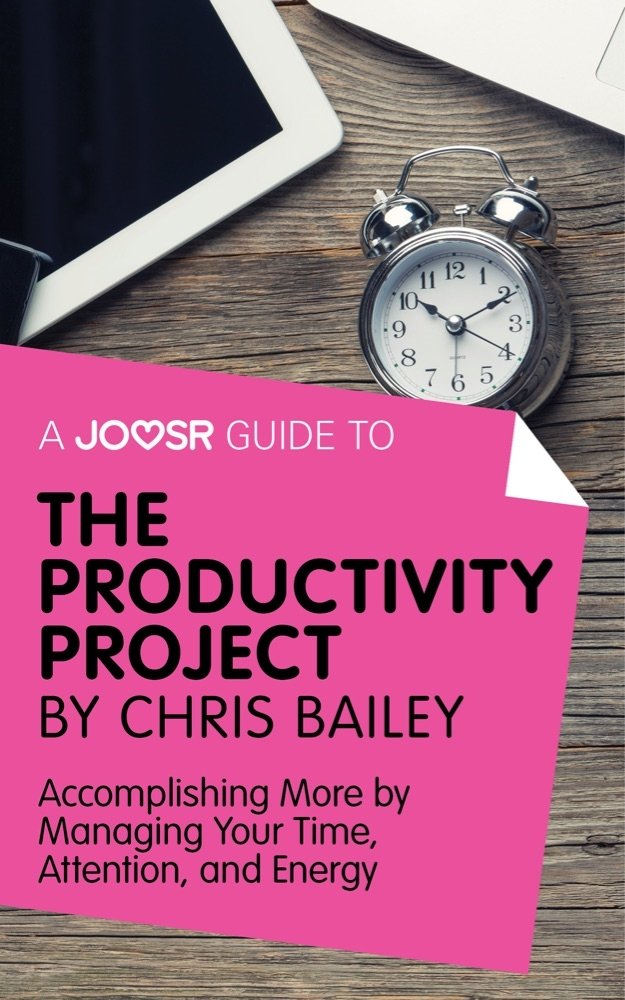
👉 I recommend The Productivity Project by Chris Bailey from Amazon—it changed how I approach deep work and goal setting.
3. 📝 Proposals, Contracts & Invoices: Bonsai
Sending proposals used to stress me out—until I tried Bonsai. It automates everything from creating contracts to sending invoices and even helps with taxes. The templates are clean and professional. Clients love how easy it is to e-sign.
4. ✍️ Writing Like a Pro: Grammarly Premium
Whether it’s client emails or writing web copy, I rely on Grammarly Premium to catch tone issues, clarity suggestions, and typos. It’s my writing safety net. If you write a lot, it’s totally worth the upgrade.
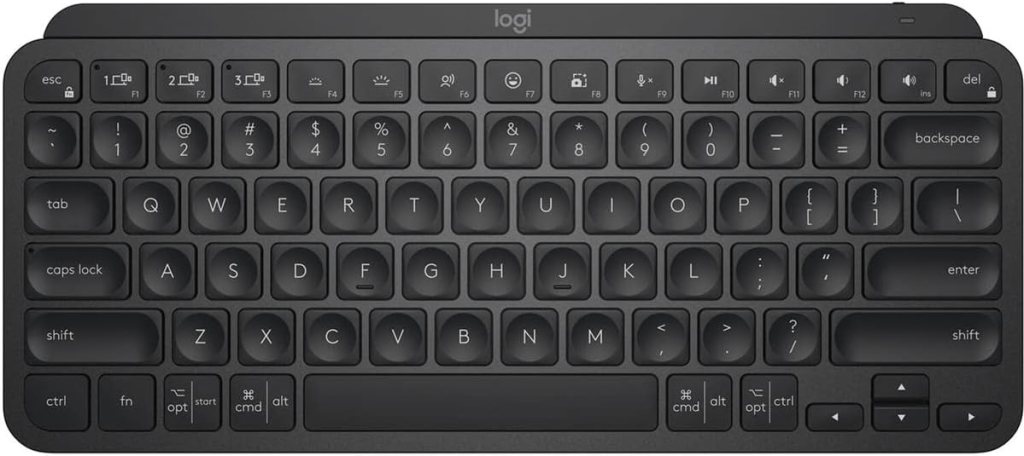
Paired with my favorite keyboard:
👉 Logitech MX Keys – buttery smooth keys, responsive typing, and great for wrist support.
5. 🎨 Fast, Beautiful Graphics: Canva Pro
I’m not a designer, but with Canva Pro, I’ve created logos, eBooks, social media posts, and pitch decks without hiring help. The drag-and-drop feature is a game changer. I’ve even landed new clients because of visuals I made in Canva!
6. 🪑 Comfort Matters: Hbada Office Chair
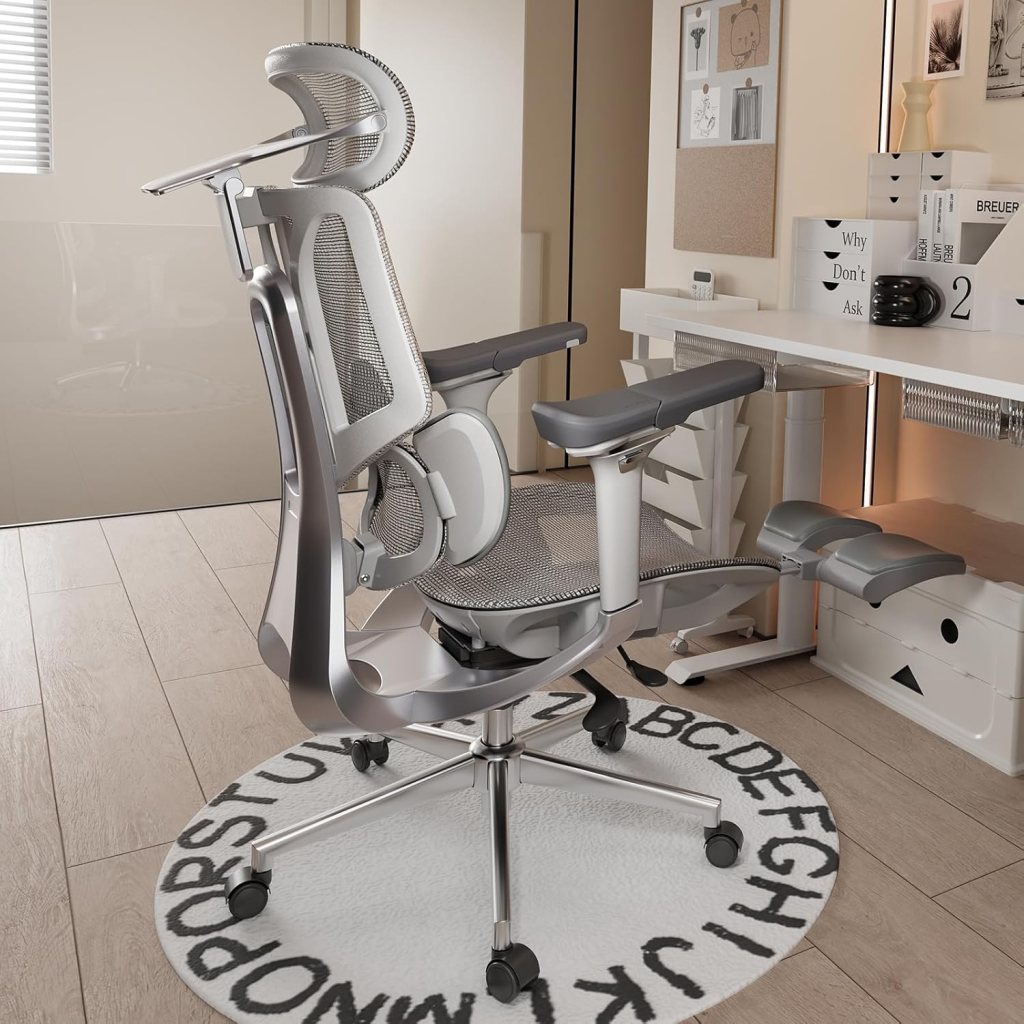
If you freelance full-time, invest in a good chair. I went for the Hbada Office Task Chair, and I’m so glad I did—it offers great back support, stays cool with its mesh design, and fits perfectly in small spaces. and doesn’t take up much space. After switching from a dining chair, my back pain vanished.
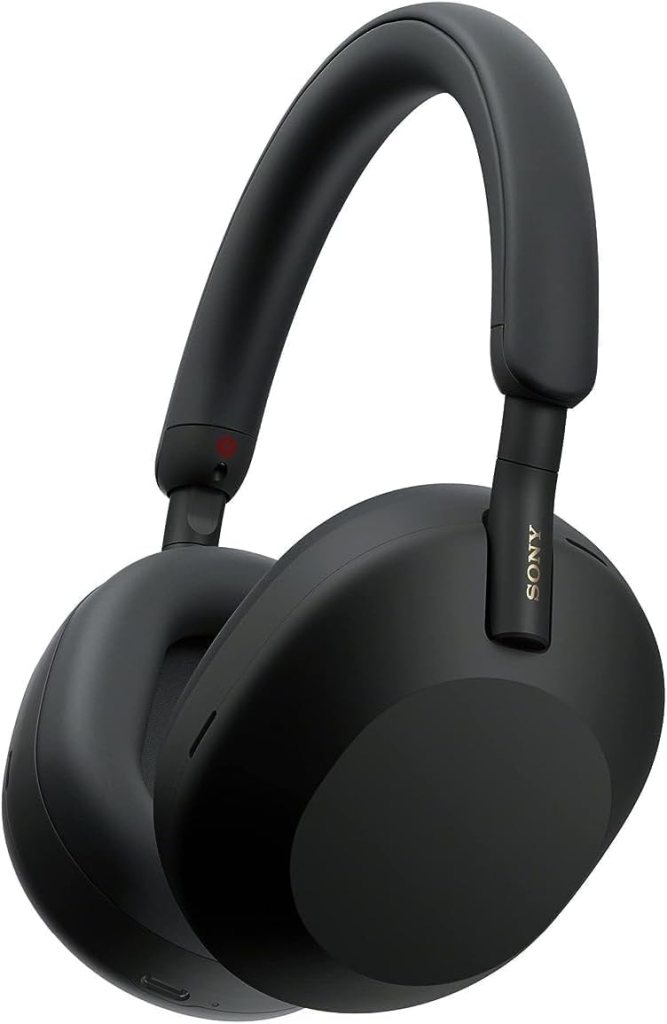
7. 🔇 Block the Noise: Sony WH-1000XM5
Working from home means distractions—from pets to neighbors to construction noise. The Sony WH-1000XM5s are my escape pod. I pop them on, hit play on my lo-fi playlist, and I’m instantly in the zone.
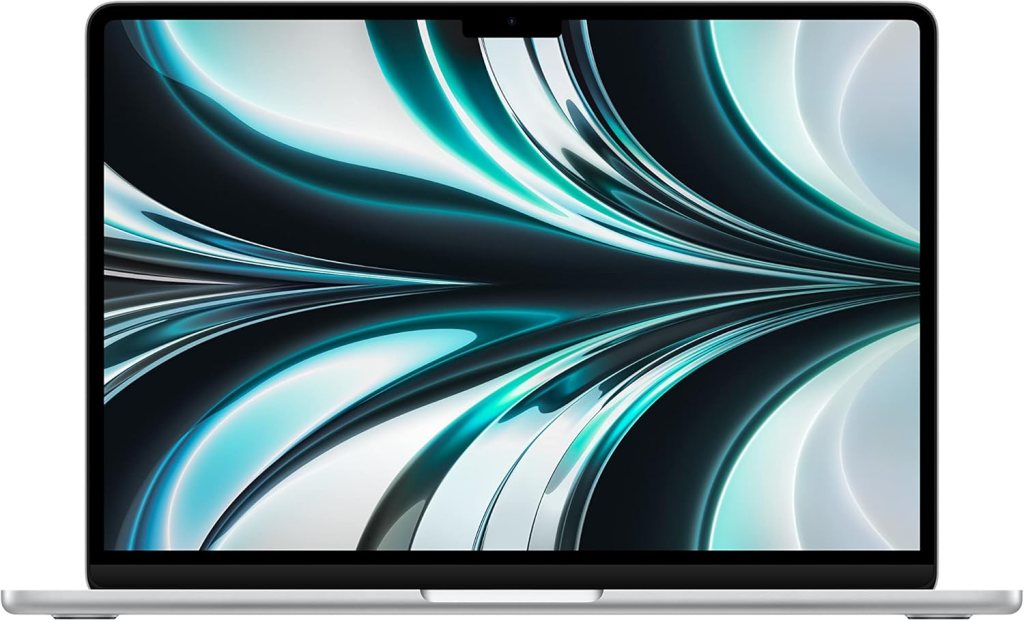
8. 💻 The Powerhouse: MacBook Air M2
Since upgrading to the MacBook Air M2, tasks like editing videos and building websites have been noticeably faster and more seamless. It’s lightweight but powerful, with insane battery life. If you travel or work remotely, it’s the perfect laptop for freelancers.
9. 🖥️ More Screen, Less Stress: LG UltraFine 4K Monitor
I plug my MacBook into the LG UltraFine 4K when I’m editing, designing, or managing multiple tabs. The extra screen real estate helps me multitask better and reduces eye strain.

10. ☁️ File Backup & Collaboration: Google Drive
Google Drive is where I keep all my client documents, signed contracts, and essential backups safe and organized files, contracts, and backups in Google Drive. It’s simple, secure, and accessible from anywhere. I also use shared folders to collaborate with clients on revisions.
For backup peace of mind, I use the
👉 SanDisk Extreme Portable SSD – it’s lightning fast and fits in your pocket.

11. 💰 Finance Tracking: QuickBooks Self-Employed
Before QuickBooks, tax season gave me migraines. Now, I track income, categorize expenses, and estimate taxes all in one app. It even separates business from personal charges automatically.
12. 📧 Build Your Audience: ConvertKit
If you’re a freelancer building a personal brand, ConvertKit is hands-down the best email marketing platform. I use it to send client updates, blog newsletters, and promote affiliate links—all without coding.
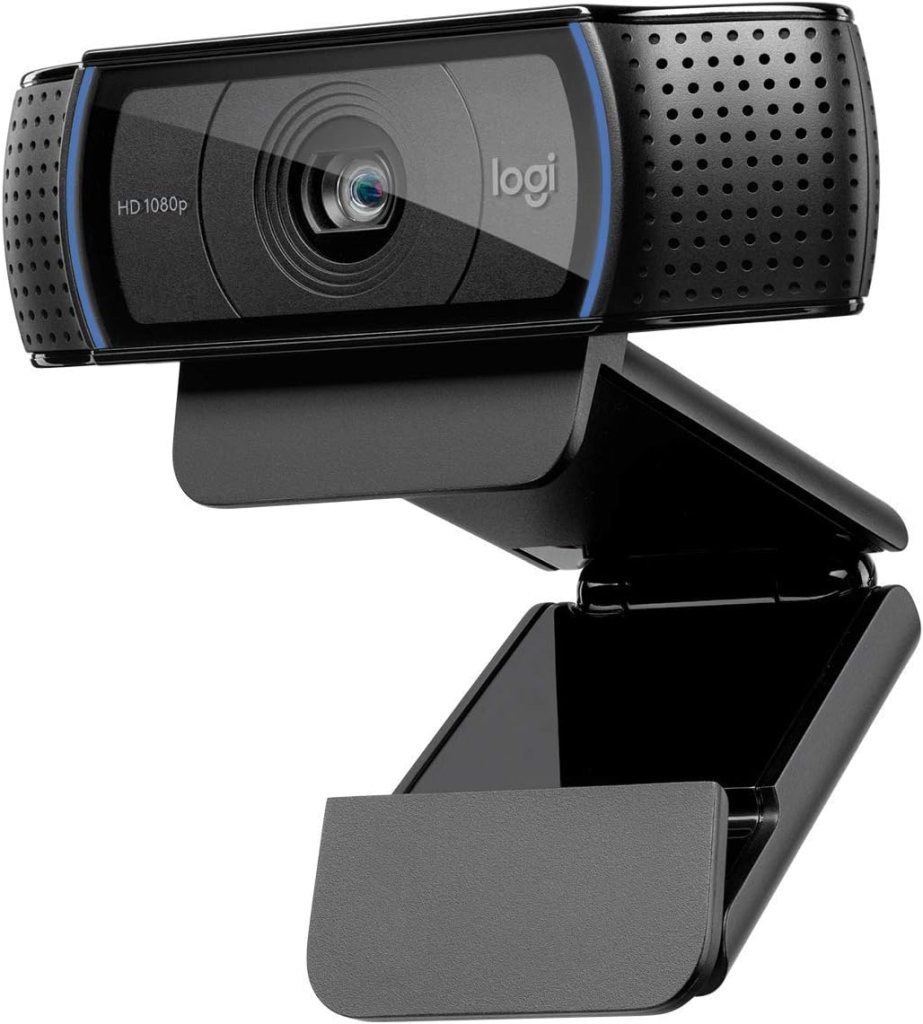
13. 📹 Show Up Professionally: Logitech C920 HD Webcam
Zoom calls are part of freelance life. The C920 delivers sharp HD video and crisp audio. I’ve had clients compliment my “setup” after switching to it.
14. 🎯 Where I Landed My First Clients: Fiverr & Upwork

Yes, they take a cut—but I landed high-paying, long-term clients from both platforms early in my career. With a polished profile and consistent delivery, they still work.
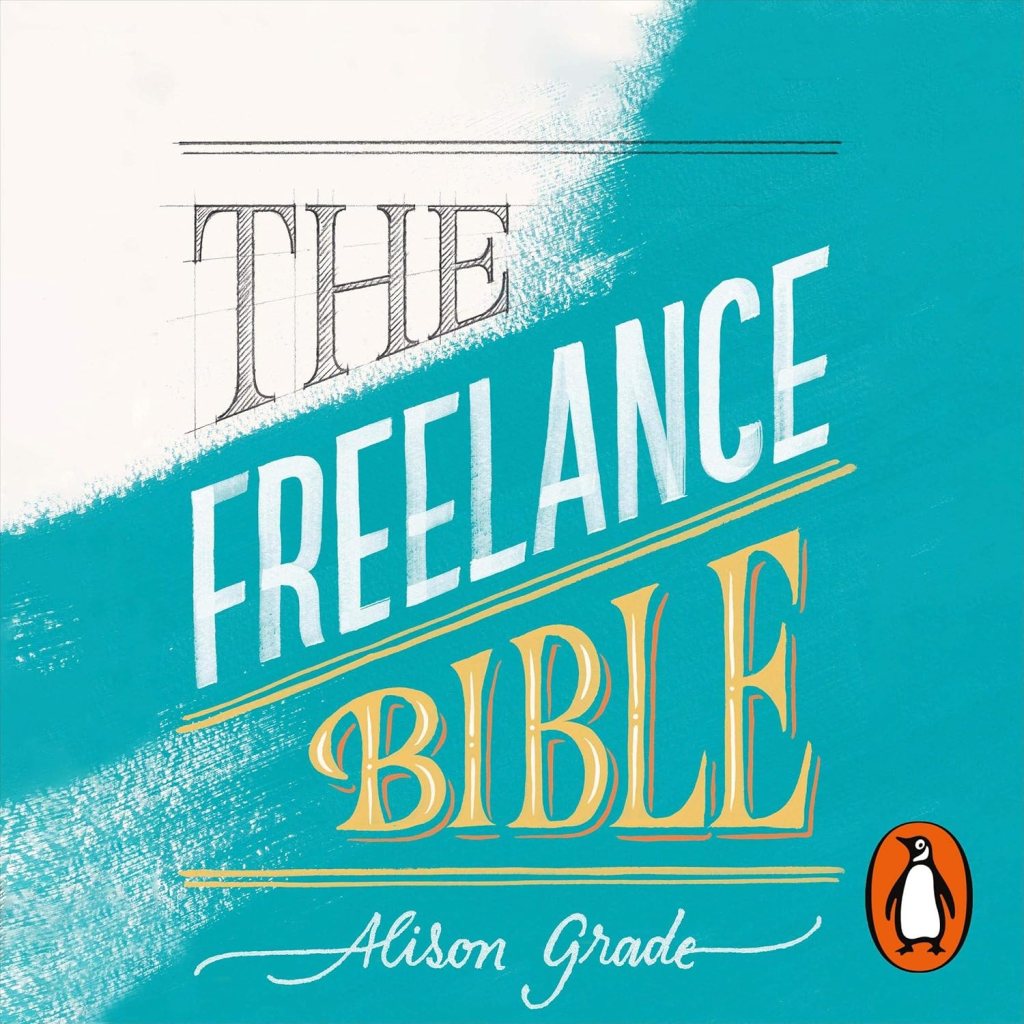
Want to learn more? I recommend
👉 The Freelance Bible by Alison Grade – a practical guide that helped me scale beyond $5K/month.
15. 🌱 Stay Focused: Forest App

I tend to doom-scroll when I’m stuck. The Forest App helped me fix that. The app lets you grow a virtual tree as you stay focused—leave the app, and your tree withers away.
It sounds silly, but it works!
🎯 Final Thoughts: Use the Right Tools, Watch Your Freelance Business Grow
I didn’t get here overnight. It took trial, error, and figuring out what tools actually helped my process. But once I got my freelancer toolkit dialed in, everything changed—my work got better, my clients noticed, and my income grew.
If you’re feeling stuck or overwhelmed, try upgrading just one part of your system. It could be your chair, your software, or even your webcam. Little changes stack up fast.
🛒 Quick Recap: My Favorite Amazon Tools for Freelancers
| Tool | Link |
|---|---|
| Timeular Time Tracker | Buy on Amazon |
| Logitech MX Keys | Buy on Amazon |
| Hbada Ergonomic Chair | Buy on Amazon |
| Sony WH-1000XM5 Headphones | Buy on Amazon |
| MacBook Air M2 | Buy on Amazon |
| LG 4K Monitor | Buy on Amazon |
| SanDisk SSD | Buy on Amazon |
| Logitech C920 Webcam | Buy on Amazon |
| Freelance Bible Book | Buy on Amazon |




Leave a comment